Campus Parent - English
ATTENTION ELKIN FAMILIES
Dear Elkin City Parents & Guardians
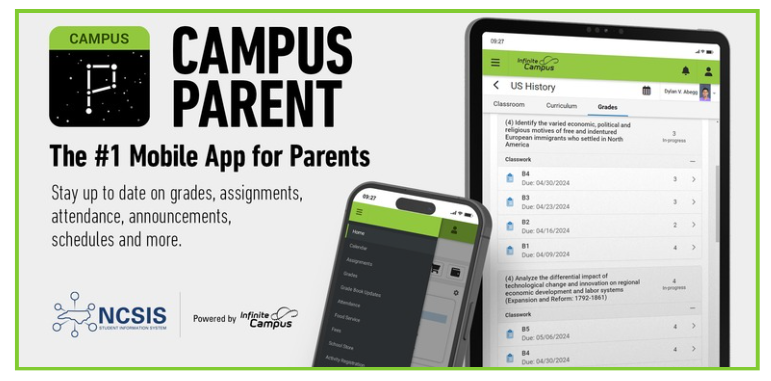
In an effort to have effective and efficient communication with our parents, Elkin City Schools will be utilizing Infinite Campus, our NEW student information system platform.
Through the Parent Portal, parents and guardians can check grades, attendance, communicate with school staff, and much more! We encourage you to use the instructions below to create your parent portal account to begin the process.
You should receive an email if we had one on file with an activation code.
If you did not receive the email there are a couple other options you can use to create your parent portal account and update your student information.
OPTION 1 - Using the Mobile App:
1. Open the app and search for Elkin City Schools, NC.
2. Tap New User and enter your Activation Key.
3. Create your Username and Password.
2. Tap New User and enter your Activation Key.
3. Create your Username and Password.
OPTION 2 - Using a Web Browser:
1. Visit infinitecampus.com and click Login.
2. Search for Elkin City Schools, NC.
3. Click Parent/Student → Campus Parent → New User.
4. Enter your Activation Key and submit.5. Create your Username and Password.
2. Search for Elkin City Schools, NC.
3. Click Parent/Student → Campus Parent → New User.
4. Enter your Activation Key and submit.5. Create your Username and Password.
OPTION 3 - Using the NCSIS Parent Portal Activation Code Lookup:
If you did not receive your Activation Key, visit the NCSIS Parent Portal Activation Code Lookup (https://portalaccess.ncsis.gov) to retrieve it.
Please send an email to Ashley Davis, SIS Coordinator [email protected] if you have any questions.