Campus Parent - English
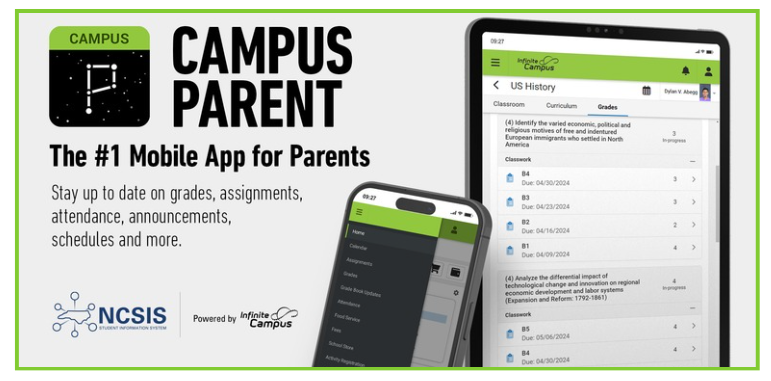
Elkin City Schools uses Infinite Campus as our student information system to keep families informed and connected. Through the Parent Portal, parents and guardians can check grades, view attendance, communicate with school staff, and access important student information.
Through the Parent Portal, parents and guardians can check grades, view attendance, communicate with school staff, and access important student information.
Already have an account? Continue using your existing Parent Portal account to stay up to date on your student’s progress and review your contact information.
Need to create an account? Please follow the instructions below. An activation email may have been sent to the email address we have on file.
If you did not receive the email there are a couple other options you can use to create your parent portal account and update your student information.
OPTION 1 - Using the Mobile App:
1. Open the app and search for Elkin City Schools, NC.
2. Tap New User and enter your Activation Key.
3. Create your Username and Password.
OPTION 2 - Using a Web Browser:
1. Visit infinitecampus.com and click Login.
2. Search for Elkin City Schools, NC.
3. Click Parent/Student → Campus Parent → New User.
4. Enter your Activation Key and submit.5. Create your Username and Password.
OPTION 3 - Using the NCSIS Parent Portal Activation Code Lookup:
If you did not receive your Activation Key, visit the NCSIS Parent Portal Activation Code Lookup (https://portalaccess.ncsis.gov) to retrieve it.
Please send an email to Ashley Davis, SIS Coordinator [email protected] if you have any questions.